AUDI C8 A6 A7 S6 RS7 Q7 Q8 Active RS Performance Mode
Preliminary Preparation:
Software: ODIS-E12.2 Or E14 Or E17
Hardware: VAS5054A Or 6154A Or doip
Applicable Vehicle Models:
2019-2020 A6 s6 rS6
2019-2020 A7 S7 RS7
2019-2020 Q7 Q8
Prepare two SD cards or USB drives,
Download the AU651 firmware to the root directory of the SD card
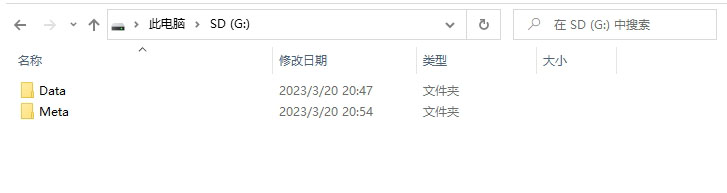
1. Lower the vehicle instrument panel version to the AU651-0095 firmware,
Insert the firmware of AU651-0095 into the vehicle’s USB interface, turn off the power consuming appliances of the car’s headlights and air conditioning, and touch the upper right corner of the screen with your right hand to enter engineering mode

Wait for this page to appear, select the update option through the volume knob.
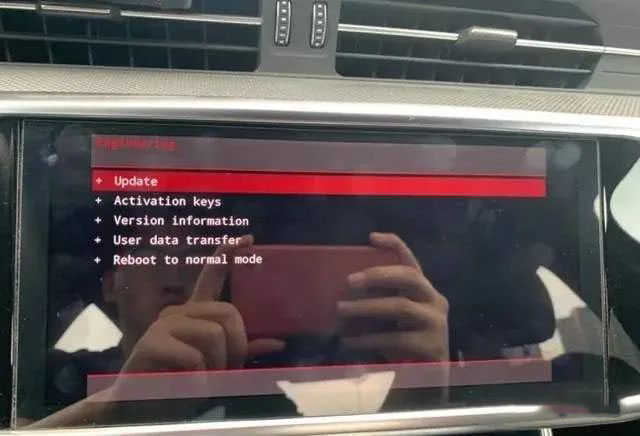
Adjust and select the corresponding USB drive through the volume button,
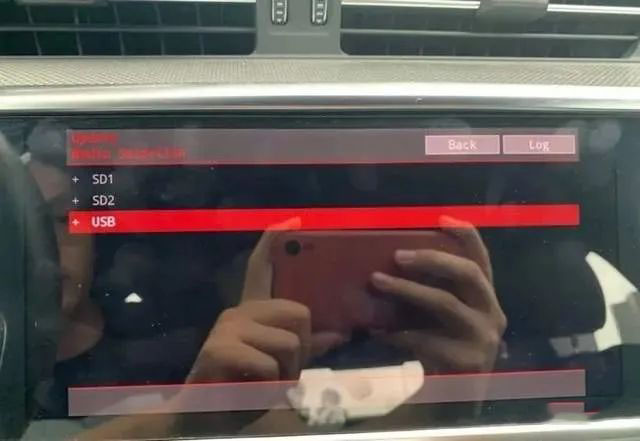
Jump to this screen, remember not to operate this step!! Continue to wait, the system is still in progress.
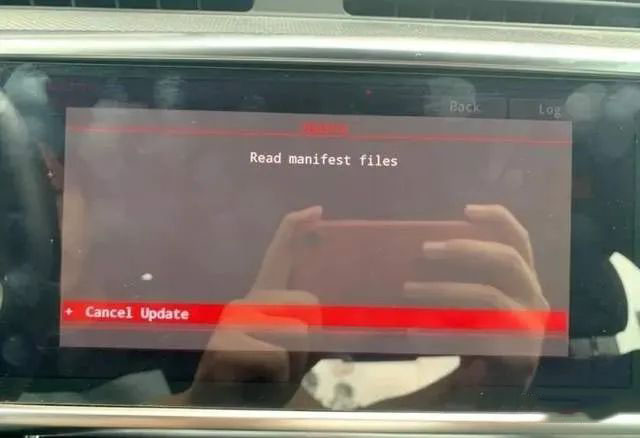
Until this page appears,
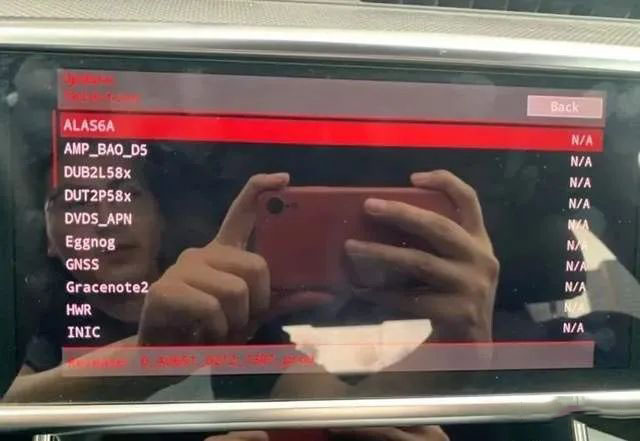
Use the volume knob to adjust to the second page and select the start update option,
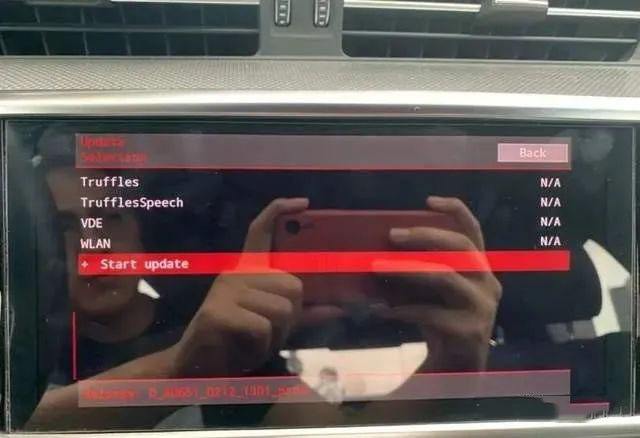
Continue selecting start update.

Start automatic flashing and wait for about 10-15 minutes.
The two icons on the black screen of the instrument panel will continue to flash, which is a normal phenomenon. Please continue to wait,
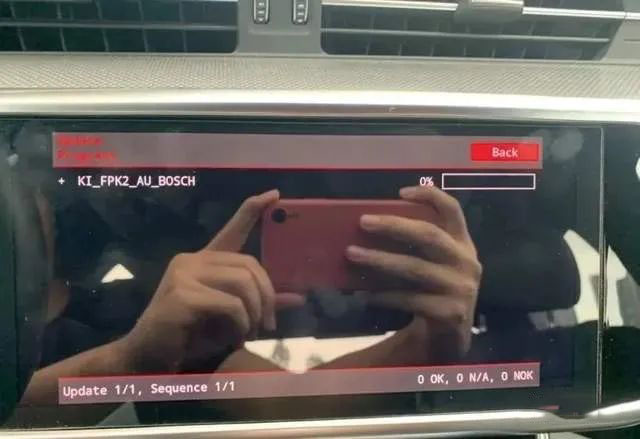
Until this page appears, use the volume key knob to adjust to the last page
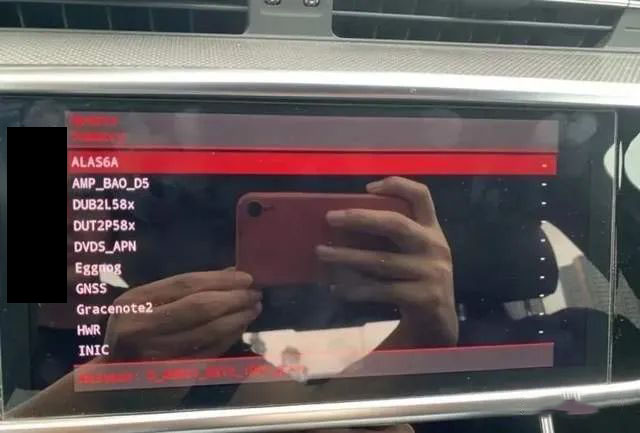
Select the resume option
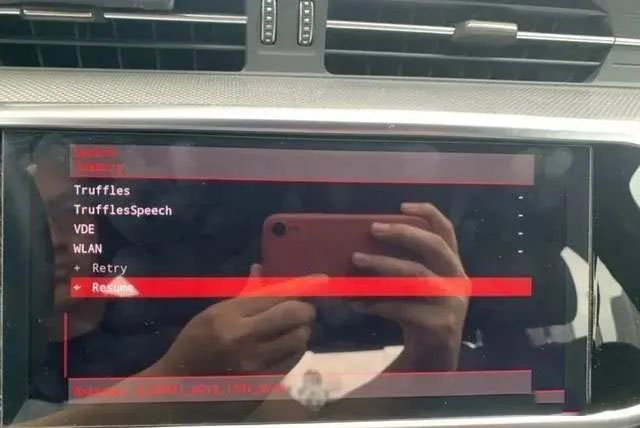
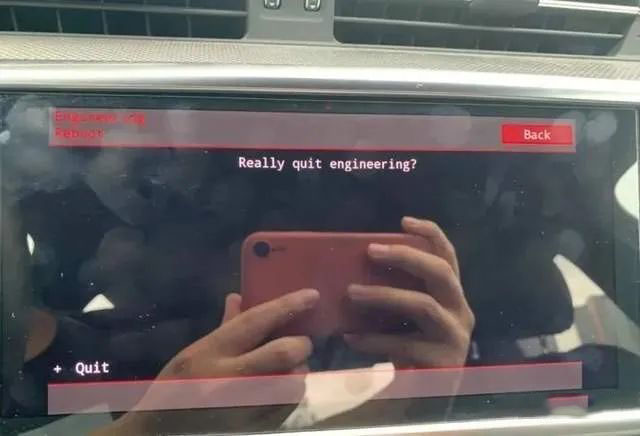
Select the quit option on the volume knob, and the upgrade is complete. The system will automatically restart until the screen displays normally. At this time, you can unplug the USB drive.
2. After successful reduction, insert version AU651-0212 or AU651-0216 again and upgrade to either version!
The operation method is the same as the previous steps.
3. Finally, use ODIS-E engineers to transform the design of instrument 17, activate 3, 5, and 6 to complete!
Restart the host and in MMI, you can see classic, sporty, and RS performance modes!